Get your camera roll sorted.
Sortido helps you decide what stays, what goes and what’s taking up space.Similar photos, clutter, duplicates, videos and more — all in one place.
- Analysed on your iPhone
- No account
- You approve every deletion
For iPhone with iOS 18 or later. No ads.
See what Sortido can do.
Find. Decide. Clear.
Find
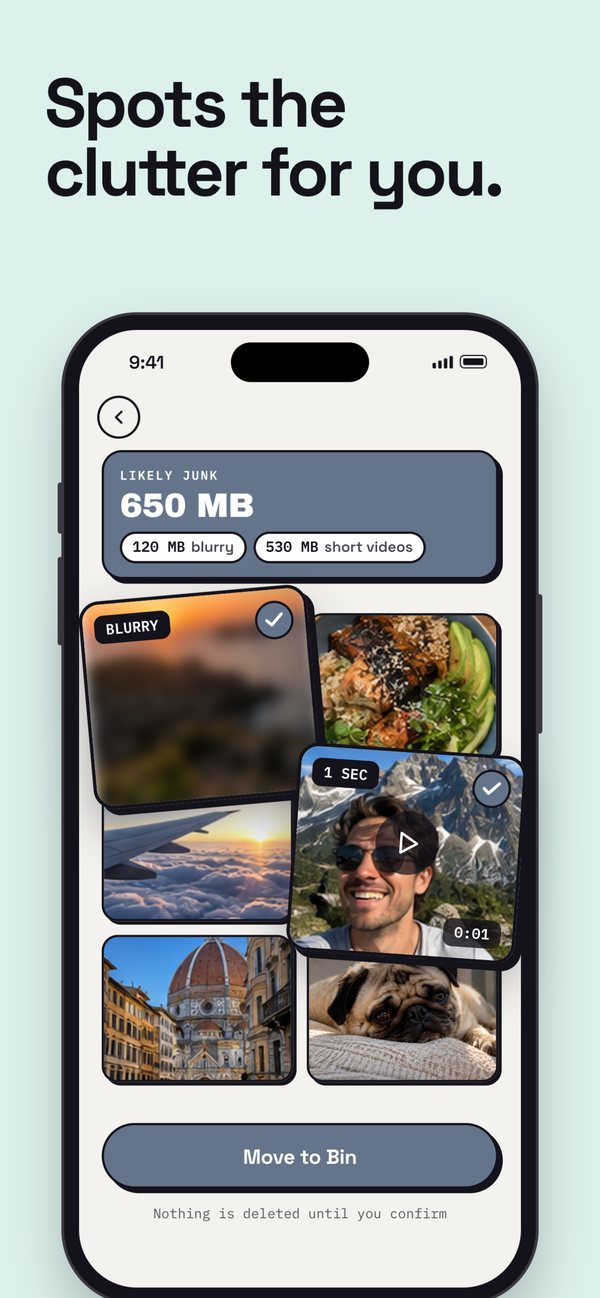
Sortido goes through your library and brings up similar shots, blurry photos, duplicates and large videos.
Decide
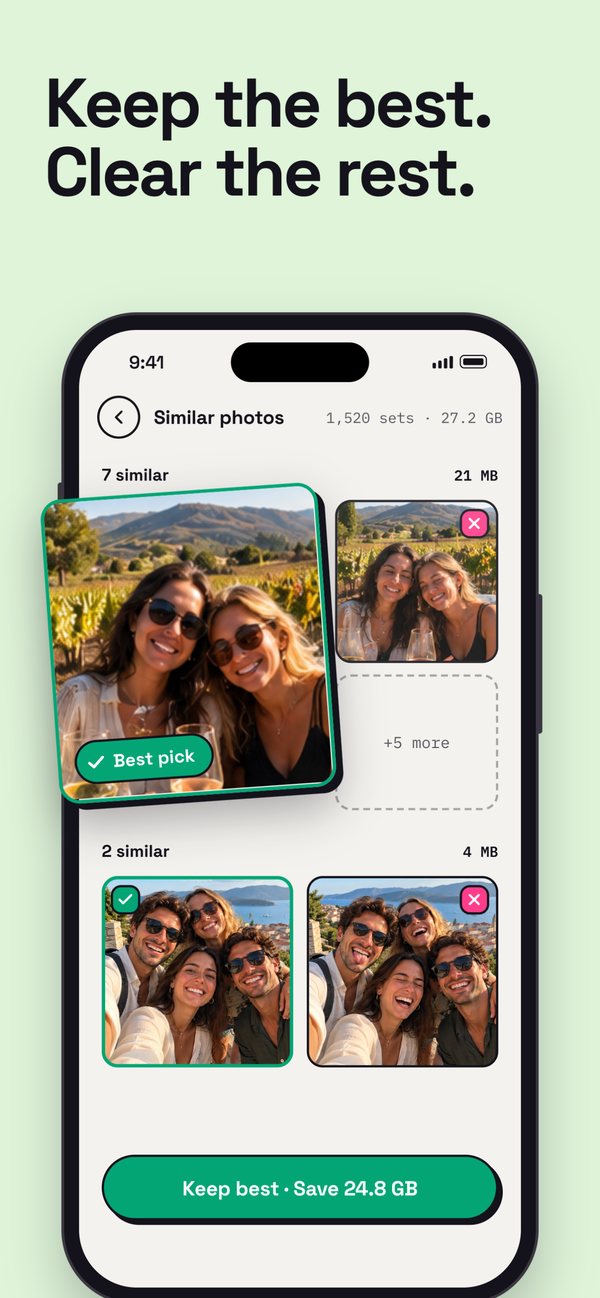
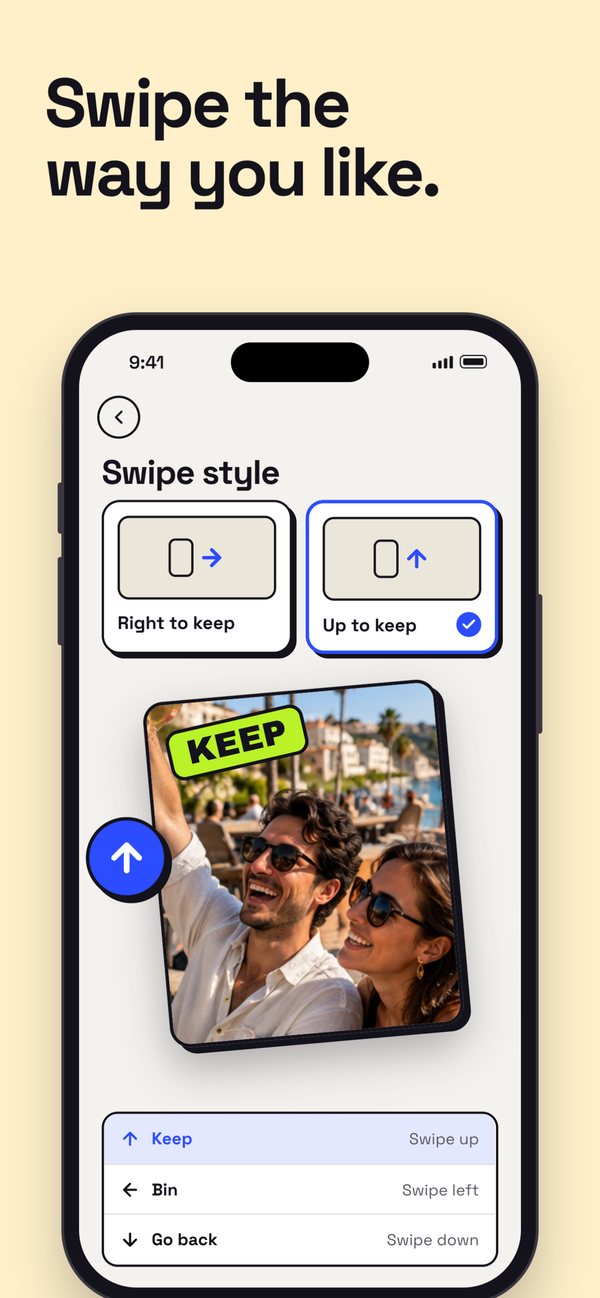
Swipe, compare side by side or select a whole group. For similar photos, Sortido suggests a Top pick and shows why — or calls it a Close call and leaves the choice to you.
Clear
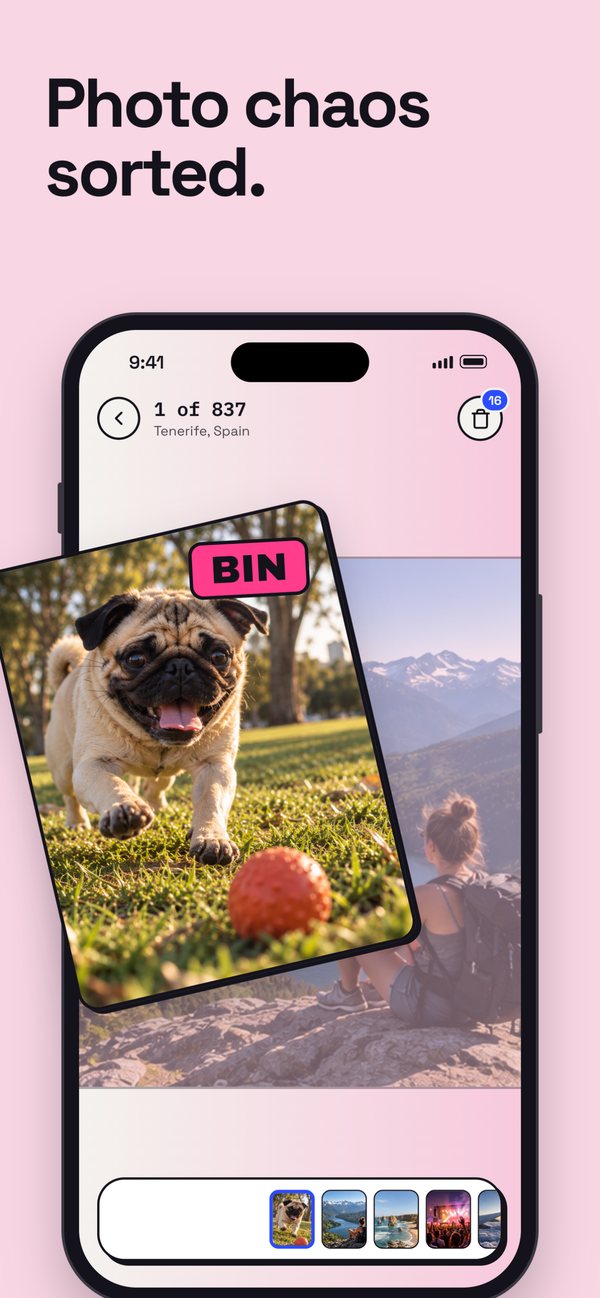
Photos you choose go to Sortido’s Bin first, where one tap restores them. Nothing is deleted until you confirm.
Clean up without losing what matters.
Get your photos under control
Pick the best of similar shots
Similar photos are grouped and shown side by side. Each set gets a Top pick with the reasons behind it — or a Close call when it can’t tell.
Spots the clutter
Blurry photos and very short clips, for you to review.
Remove duplicates
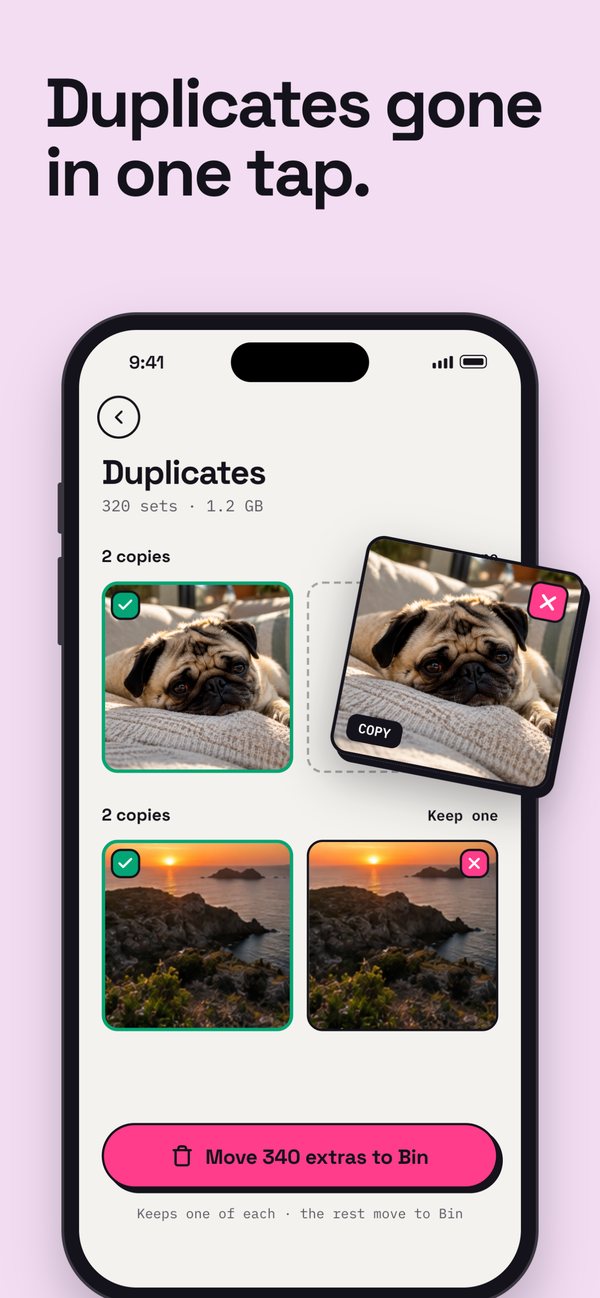
Exact duplicates and burst frames — keep one, bin the rest.
Sort through faster
Go by date or type — right to keep, left to the Bin.
Free up space
Compress large videos
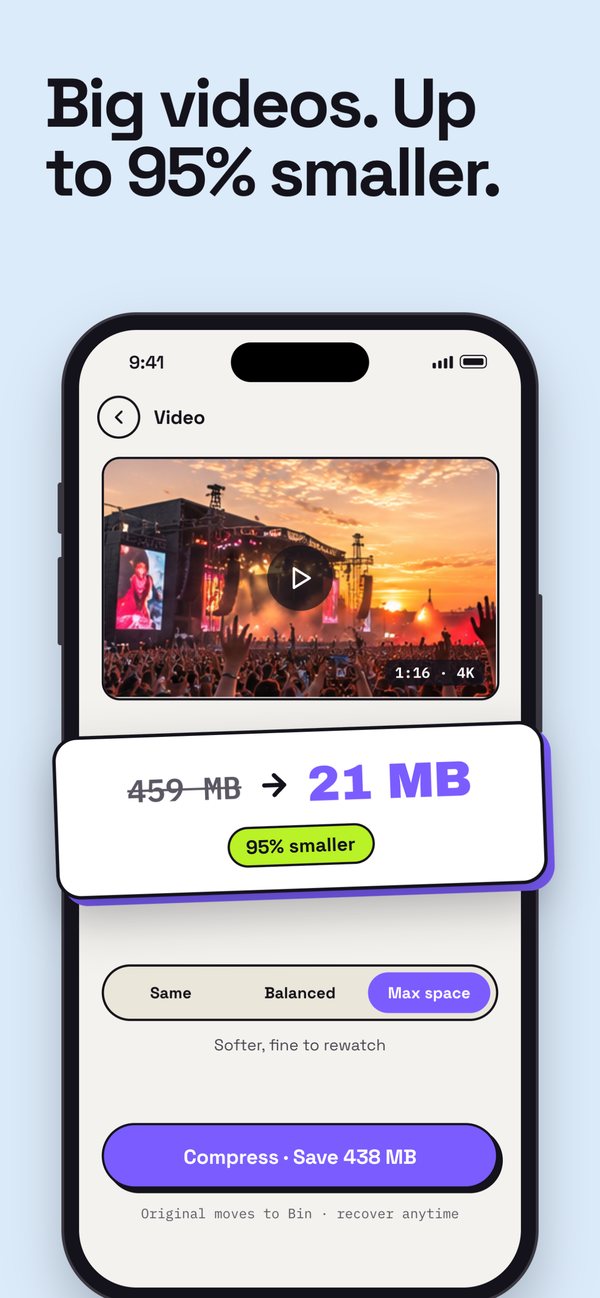
Make big videos smaller and keep them.
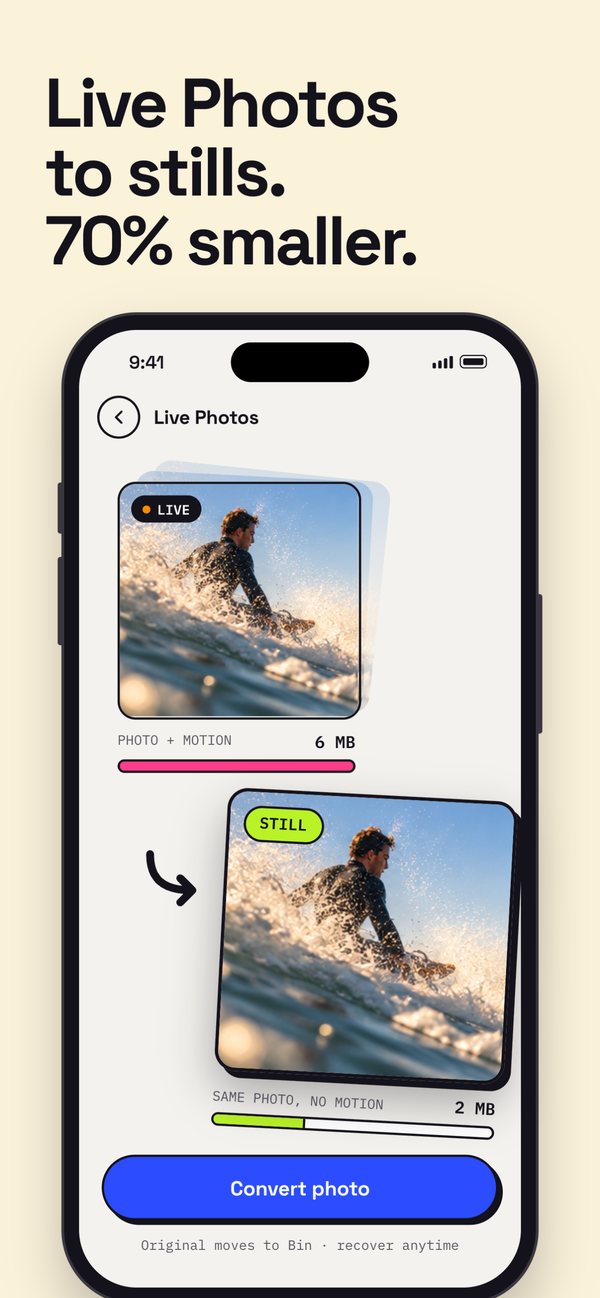
Convert Live Photos
Turn Live Photos into stills when you don’t need the motion.
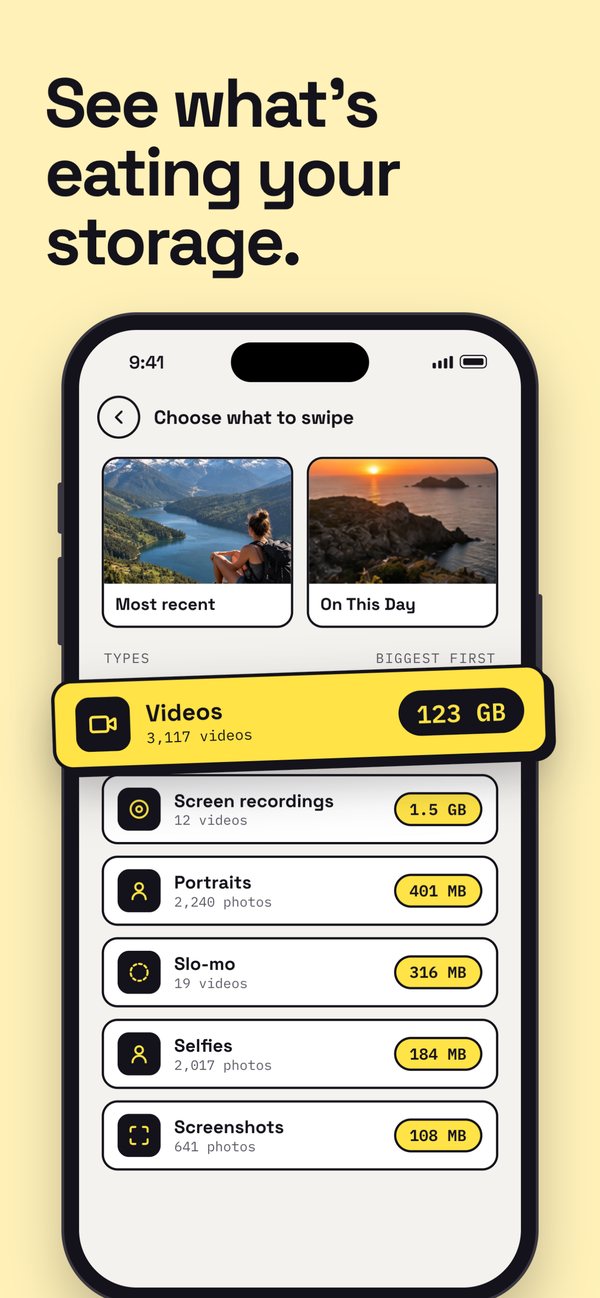
See what’s using your storage
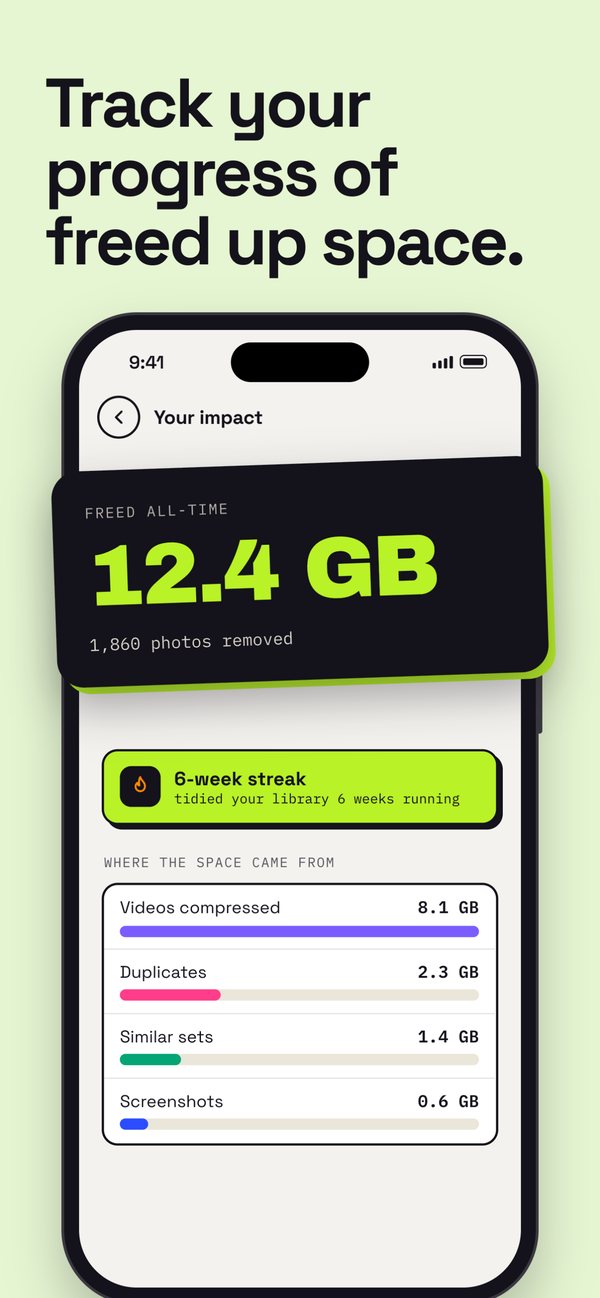
Find the biggest photos and videos, and track the space you’ve freed.
Organise what’s useful
Turn photos into PDFs
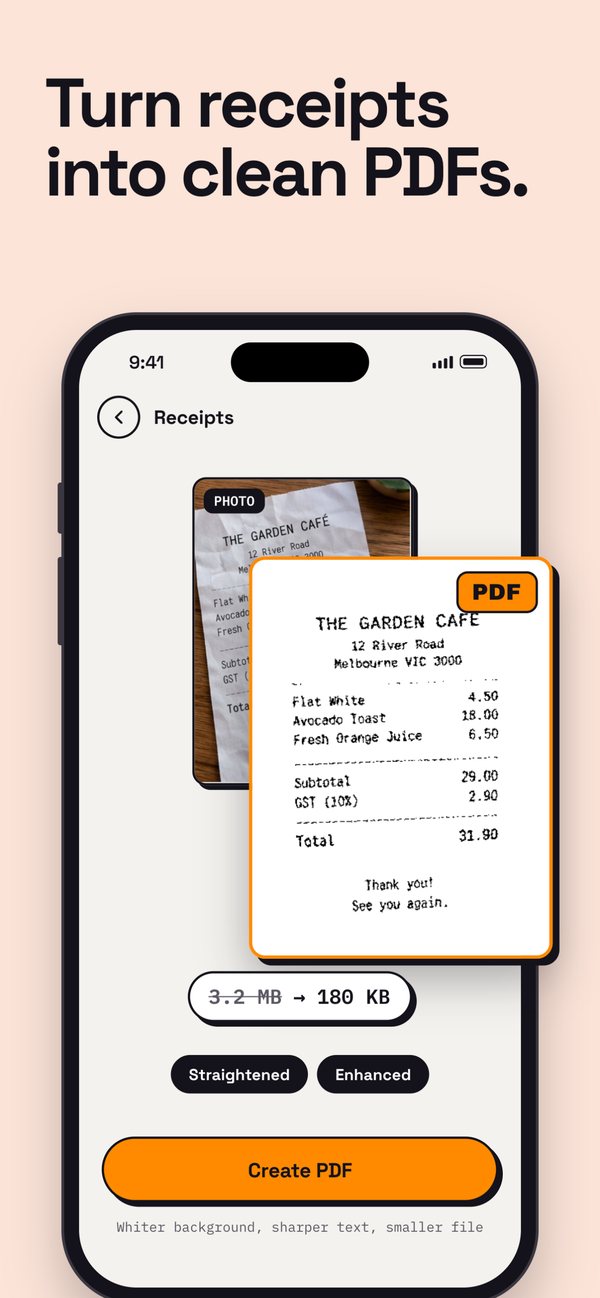
Sortido finds receipts and documents among your photos, so you can turn them into clean PDFs.
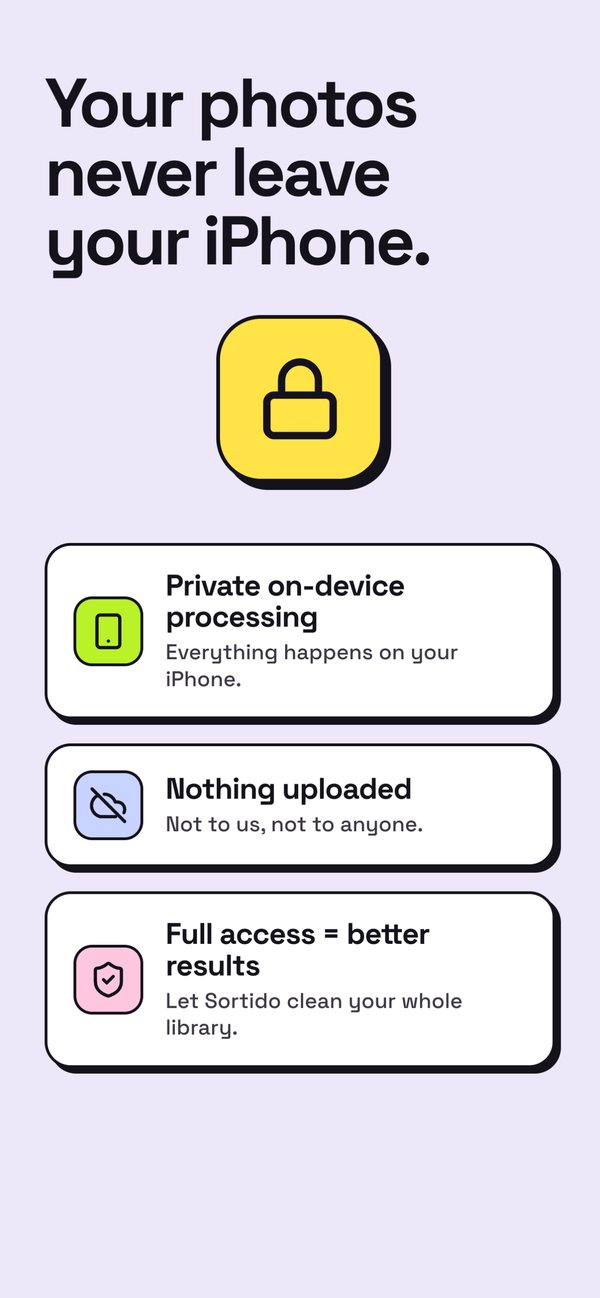
Your photos are analysed on your iPhone.
No photos uploaded
Recommendations are worked out on your iPhone. No photos are uploaded to Sortido.
You choose the access
Give Sortido full or limited access to Photos. With limited access, it only sees the photos you select.
You approve every deletion
Nothing leaves your library until you confirm the final list and iOS asks you to.
Usage data
Sortido records usage statistics and crash reports, grouped under a random code made on your iPhone — never your photos, name or email. Read the privacy policy.
Good to know
Does Sortido delete anything automatically?
No. Photos you choose go to Sortido’s Bin first, where one tap restores them. They are only deleted when you empty the Bin and confirm in iOS’s own dialog.
Where do deleted photos go?
To the Recently Deleted album in the Photos app, where iOS keeps them for 30 days before removing them for good. You can still recover them there.
Are my photos uploaded anywhere?
No photos are uploaded to Sortido — they are analysed on your iPhone. If your library uses iCloud Photos, iOS may download an original from iCloud when Sortido needs it, for example to compress a video.
How does Sortido pick the best photo?
It compares the photos in a set on face quality, sharpness, resolution, exposure and framing, and takes your Favourites into account. Tap “Why this one?” to see the reasons. If the shots are too close to call, Sortido marks the set as a Close call and leaves the choice to you.
Does it work with limited Photos access?
Yes. With limited access, Sortido only sees the photos you selected. Full access lets it clean your whole library.
Which iPhones does it run on?
Any iPhone with iOS 18 or later.
How do I get help?
Email support@sortido.app — you’ll hear back from the person who builds Sortido.
Ready to get your camera roll sorted?